Description
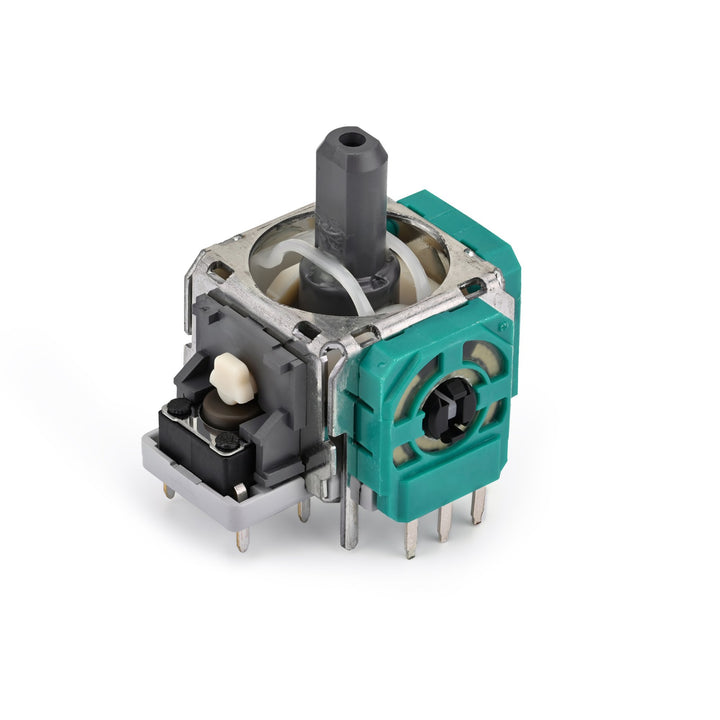
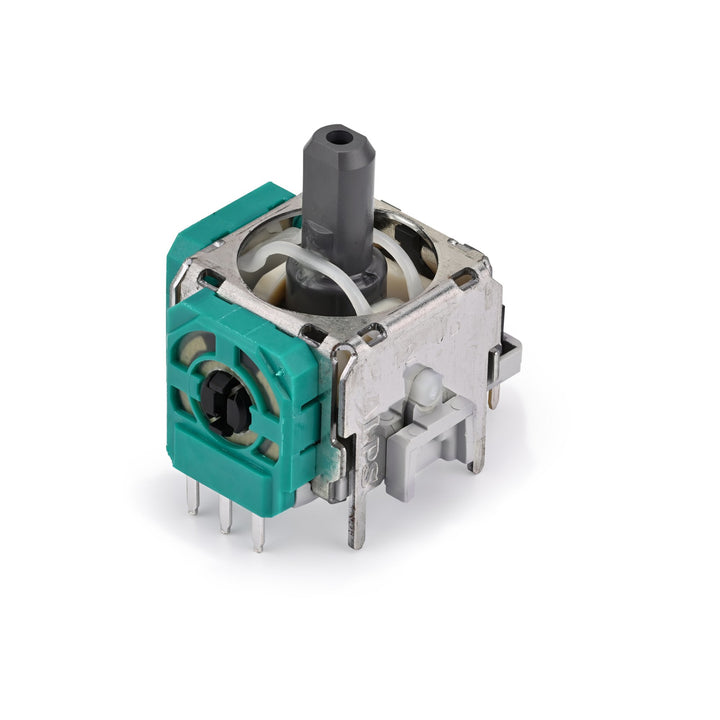
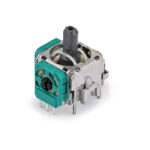
Replace one controller joystick in your Xbox Series S or Series X controller. Yes, it is compatible with both!
Fix issues like drifting or an unresponsive joystick.
For Xbox Series X or S controllers, after replacing the joystick, you can go to the Xbox console or download the “XBOX Accessories” software from the Microsoft Store on PC, then find the “Recalibrate” option and follow the instructions to calibrate the joystick.
Related products
Sale
Select options
This product has multiple variants. The options may be chosen on the product page
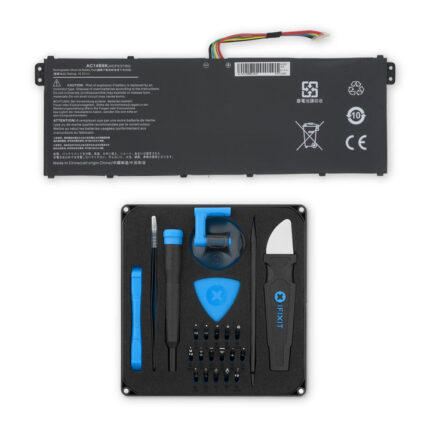
Acer AC14B3K, AC14B8K Battery for Aspire, TravelMate and Nitro
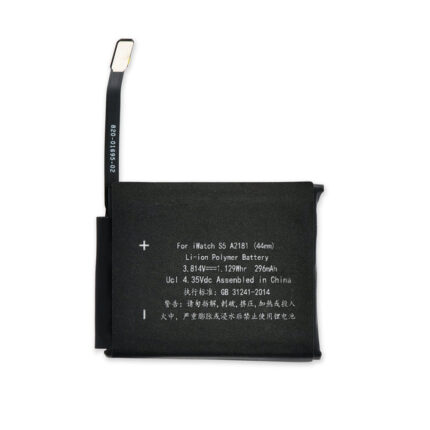
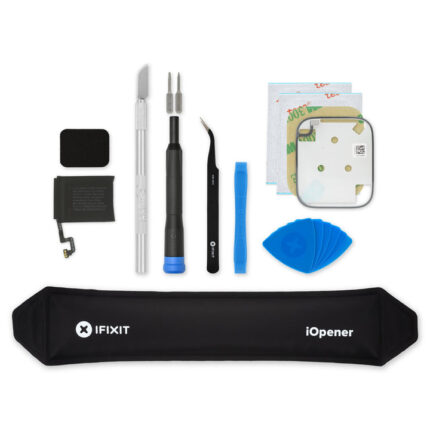
$14.99 – $19.99Price range: $14.99 through $19.99Apple Watch (44 mm SE, SE 2, and Series 5) Battery
Sale
Select options
This product has multiple variants. The options may be chosen on the product page
Sale
Select options
This product has multiple variants. The options may be chosen on the product page
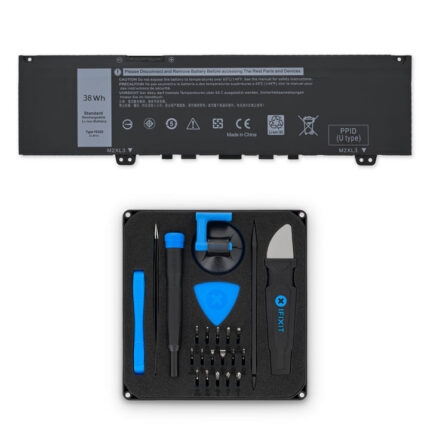
Dell F62G0 Battery for Inspiron 13 5370/7370/7373/7380
$14.99 – $23.99Price range: $14.99 through $23.99Sale
Select options
This product has multiple variants. The options may be chosen on the product page
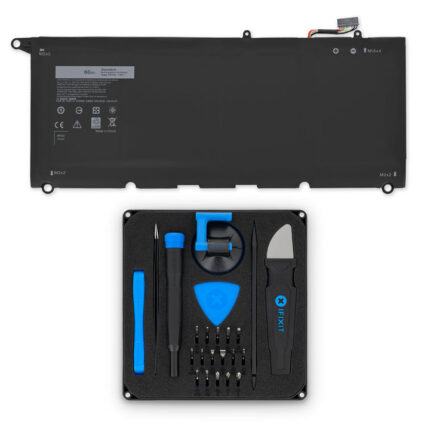
Dell PW23Y Battery for XPS 13 9360: Repair Part / Fix Kit
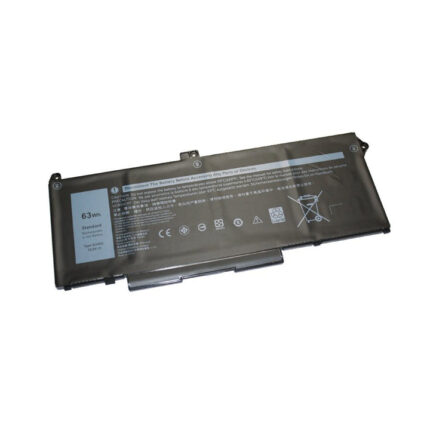
$14.99 – $26.99Price range: $14.99 through $26.99Dell RJ40G Laptop Battery
Sale
Select options
This product has multiple variants. The options may be chosen on the product page