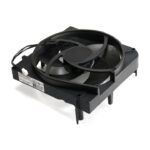
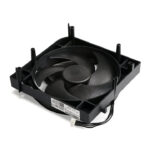
Xbox Series S Fan Assembly: Internal Cooling Replacement Part
Price range: $5.99 through $11.99
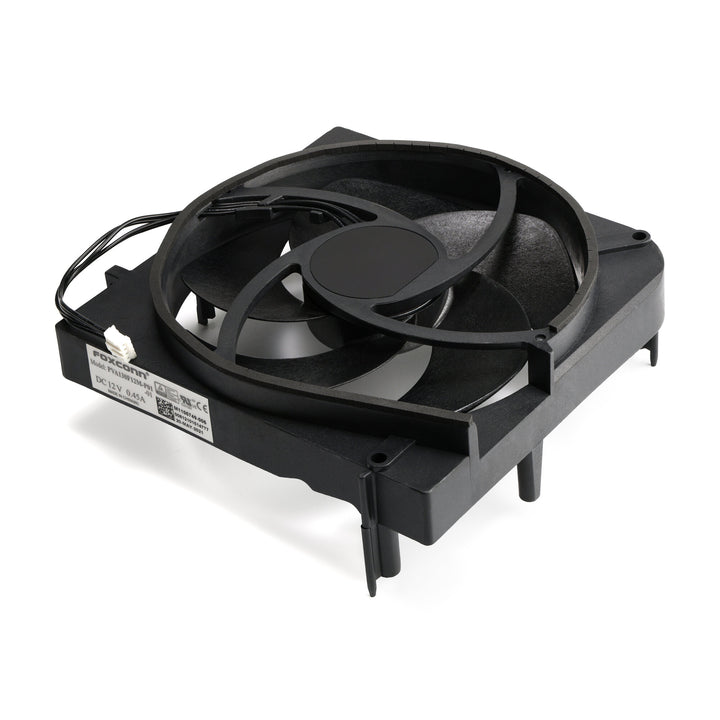
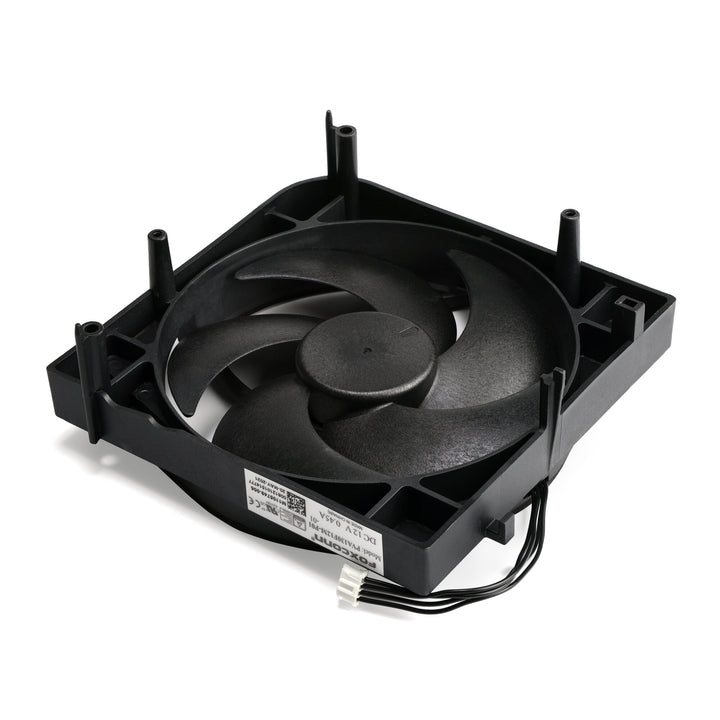
Replace a fan assembly in your Xbox Series S video game console. Fix overheating problems to keep your Xbox Series S running quietly.
An aging fan may become noisy and inefficient or simply fail and stop spinning, leaving your game console to overheat and eventually damage your processors.
The Xbox Series S console is manufactured with several types of cooling fan that are physically incompatible. You must order a replacement fan that matches your original fan. The best way to know which fan you have is to follow the fan replacement guide to open your console case, look at your original fan, and count the number of blades. For 5 Blade fans, look for the serial number like M0000000-006 on you original fan. The last three digits of the serial number must match the replacement fan.
| Condition | , |
|---|---|
| Style | , |